
GST Calculator Online - Add & Remove GST Instantly
Instantly calculate GST on any amount with Calcon's free online GST Calculator. Whether you need to add GST to a base price or remove GST from an inclusive amount - get accurate CGST, SGST & IGST breakdowns in seconds. Supports all GST slabs: 5%, 12%, 18%, and 28%.
What is GST?
GST (Goods and Services Tax) is a comprehensive, multi-stage, destination-based tax levied on every value addition in India. Introduced on 1st July 2017, GST replaced a complex web of central and state taxes like VAT, Service Tax, Excise Duty, and more - creating one unified tax system across the country.
GST is collected at every stage of the supply chain, but the tax burden ultimately falls on the final consumer. Businesses registered under GST can claim Input Tax Credit (ITC) to avoid double taxation.
GST Rate Slabs in India
India follows a 4-tier GST rate structure. Here's a quick overview:
| GST Rate | Category | Common Examples |
|---|---|---|
| 0% | Essential goods | Fresh vegetables, milk, eggs, bread |
| 5% | Basic necessities | Edible oil, sugar, tea, coal |
| 12% | Standard goods | Butter, cheese, fruit juices, mobiles |
| 18% | Standard services | Most services, AC restaurants, IT services |
| 28% | Luxury & sin goods | Cars, tobacco, aerated drinks, casinos |
How to Use Calcon's GST Calculator
Using our GST Calculator is simple and takes less than 10 seconds:
Step 1 - Choose your mode
Select "Add GST" if you have a base price and want to find the final price. Select "Remove GST" if you have an inclusive price and want to find the original base price.
Step 2 - Enter the amount
Type in your price in the input field. The calculator works in real-time - results appear as you type.
Step 3 - Select the GST rate
Choose the applicable GST slab from the dropdown: 5%, 12%, 18%, or 28%.
Step 4 - Read your results
Instantly see your Base Price, GST Amount, CGST, SGST, and Final Total Price.
Step 5 - Copy or Reset
Use the "Copy Result" button to copy all values, or "Reset Details" to start fresh.
GST Calculation Formula
Understanding the math behind GST helps you verify results and calculate manually when needed.
Formula to Add GST (Exclusive GST)
GST Amount = Base Price × (GST Rate ÷ 100)
Total Price = Base Price + GST Amount
CGST = GST Amount ÷ 2
SGST = GST Amount ÷ 2
Example: Base Price ₹1000, GST Rate 18%
GST Amount = 1000 × 0.18 = ₹180
Total Price = 1000 + 180 = ₹1,180
CGST = 180 ÷ 2 = ₹90
SGST = 180 ÷ 2 = ₹90
Formula to Remove GST (Inclusive GST)
Base Price = Total Price ÷ (1 + GST Rate ÷ 100)
GST Amount = Total Price - Base Price
CGST = GST Amount ÷ 2
SGST = GST Amount ÷ 2
Example: Total Price ₹1180, GST Rate 18%
Base Price = 1180 ÷ 1.18 = ₹1,000
GST Amount = 1180 - 1000 = ₹180
CGST = 180 ÷ 2 = ₹90
SGST = 180 ÷ 2 = ₹90
Frequently Asked Questions About GST Calculator
What is a GST Calculator?
A GST Calculator is a free online tool that helps individuals, business owners, and accountants quickly calculate the GST amount on any price. It eliminates manual calculation errors and saves time by instantly showing the base price, GST amount, CGST, SGST, and final total - all in one place.
How do I calculate 18% GST on a price?
To calculate 18% GST on a price, multiply the base price by 0.18. For example, if your base price is ₹500:
GST Amount = 500 × 0.18 = ₹90
Total Price = 500 + 90 = ₹590
Or simply use Calcon's GST Calculator - enter ₹500, select 18% GST, choose "Add GST" and get the result instantly.
What is the difference between Add GST and Remove GST?
Add GST (Exclusive): You have a base price (without GST) and want to calculate the final price the customer will pay. Example: Product costs ₹1000, add 18% GST → Final price ₹1,180.
Remove GST (Inclusive): You have a final price (with GST already included) and want to find the original base price. Example: MRP is ₹1,180 with 18% GST included → Base price ₹1,000.
What is CGST and SGST?
CGST (Central Goods and Services Tax) is the portion of GST collected by the Central Government of India.
SGST (State Goods and Services Tax) is the portion collected by the State Government where the transaction takes place.
For any intra-state transaction, the total GST is split equally between CGST and SGST. So for 18% GST: CGST = 9% and SGST = 9%.
IGST (Integrated GST) applies to inter-state transactions and is collected entirely by the Central Government.
What is IGST and when does it apply?
IGST (Integrated Goods and Services Tax) applies when goods or services are sold from one state to another (inter-state supply). In this case, instead of splitting into CGST + SGST, the full GST amount is charged as IGST and collected by the Central Government, which then transfers the state's share accordingly. Example: A Delhi seller selling to a Mumbai buyer charges IGST instead of CGST + SGST.
Is GST included in MRP?
Yes. In India, the Maximum Retail Price (MRP) printed on any product is always GST-inclusive. This means the price you pay at the store already includes GST. To find the base price of a product, use our "Remove GST" mode - enter the MRP and select the applicable GST rate.
Which goods are exempt from GST in India?
Several essential goods and services are exempt from GST in India, including:
- Fresh fruits and vegetables
- Milk, curd, and lassi (unbranded)
- Eggs, meat, and fish (unprocessed)
- Bread and salt
- Educational services (schools and colleges)
- Healthcare and medical services
- Agricultural services
These items fall under the 0% GST slab and no tax is collected on their sale.
Can I use this GST Calculator for my business?
Absolutely! Calcon's GST Calculator is completely free and works perfectly for:
- Freelancers creating invoices with GST
- Small business owners calculating product pricing
- Accountants verifying GST amounts
- E-commerce sellers setting inclusive prices
- Students and professionals learning GST calculations
There is no sign-up, no download, and no limit on usage.
How accurate is Calcon's GST Calculator?
Calcon's GST Calculator uses standard mathematical formulas as defined by the Indian GST framework. All results are accurate to 2 decimal places. The calculator is built for real-time computation with zero rounding errors in the core logic, making it reliable for both personal and professional use.
Does this calculator work on mobile?
Yes! Calcon's GST Calculator is fully responsive and works seamlessly on all devices - smartphones, tablets, laptops, and desktops. No app download is required. Simply open calcon.in/gst-calculator in your browser and start calculating.
What are the GST rates on services in India?
Most services in India are taxed at 18% GST. However, some specific rates apply:
- 0% → Healthcare, education, agriculture services
- 5% → Transport services (non-AC), economy hotels
- 12% → Business class air travel, construction services
- 18% → IT services, telecom, restaurants (AC), banking
- 28% → Five-star hotels, gambling, entertainment services
Related Blog Posts
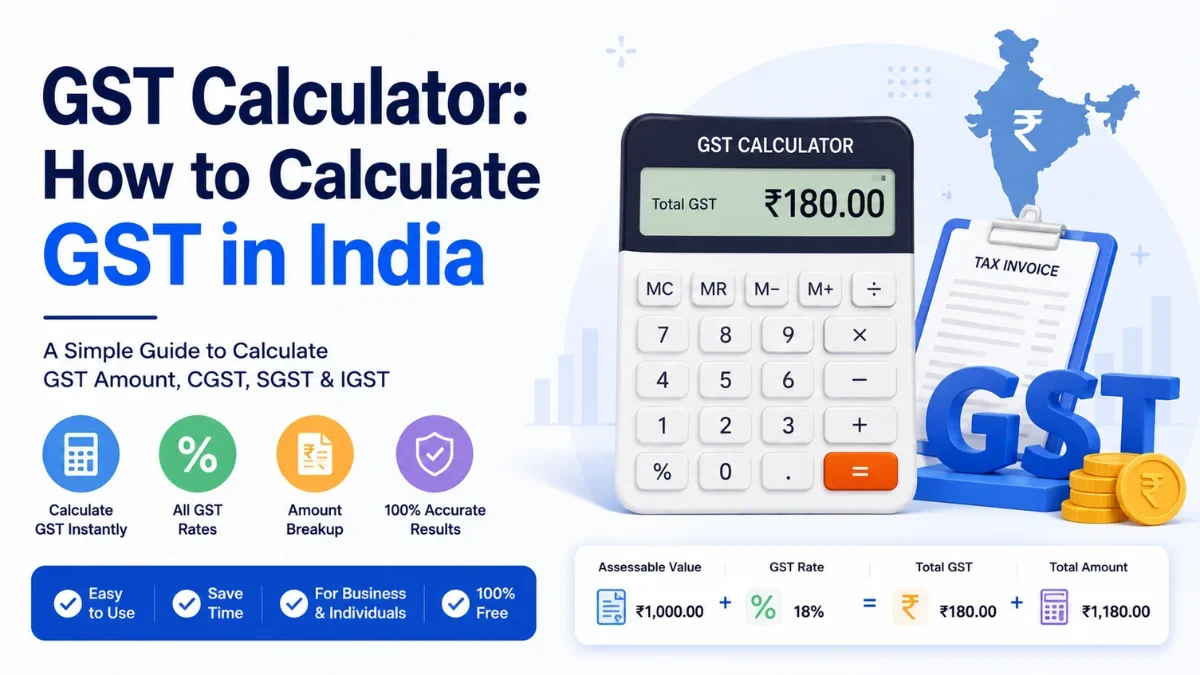
GST Calculator: How to Calculate GST in India (2026 Guide)
Whether you are pricing a product, checking a bill, or filing returns, you eventually need the same answer: how much GST applies, and what is the final amount?…
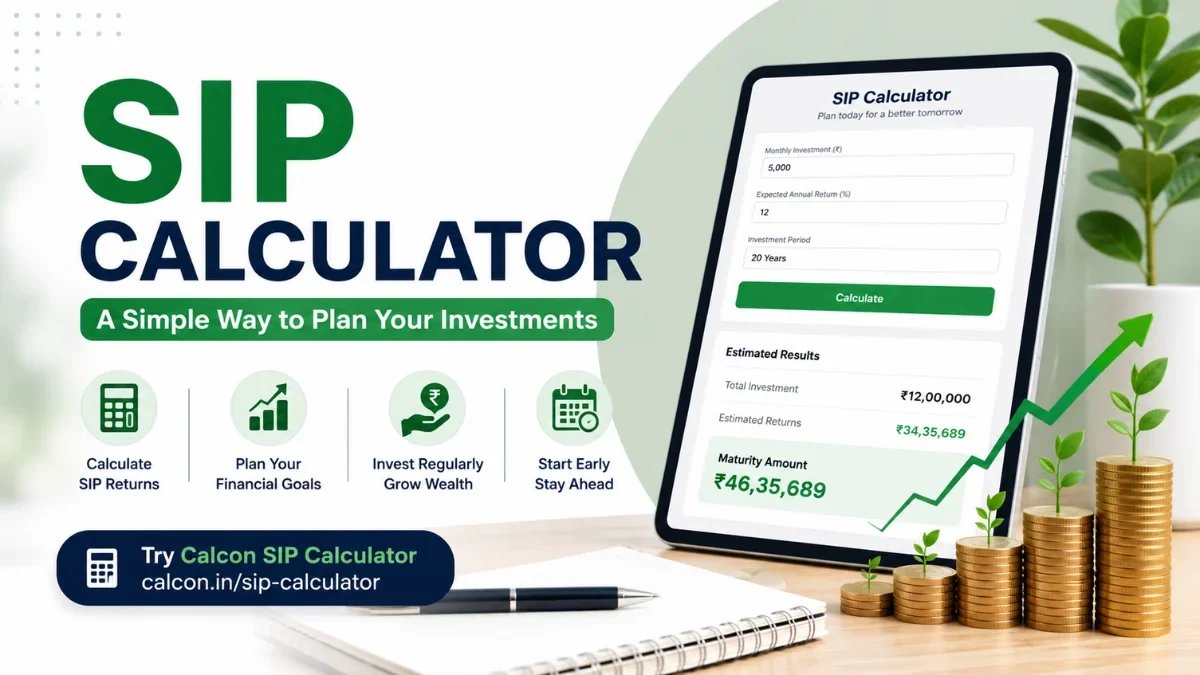
SIP Calculator: Calculate SIP Returns Online (2026 Guide)
“If I invest ₹5,000 every month, how much will I actually have in 15 years?” That single question is why the SIP calculator exists. Instead of guessing — or wre…
Related Calculators
CAGR Calculator
Calculate CAGR or future value with year-by-year breakdown.
Compound Interest Calculator
Calculate CI with the A = P(1 + r/n)^nt formula.
Discount Calculator
Find sale price and discount % instantly.
EMI Calculator
Calculate loan EMI with full amortization schedule.
FD Calculator
Calculate FD maturity amount and interest instantly.
Fuel Cost Calculator
Calculate trip fuel cost for petrol, diesel, or CNG.
Gratuity Calculator
Calculate gratuity amount and tax exemption instantly.
HRA Calculator
Calculate HRA tax exemption instantly.
Income Tax Calculator
Calculate income tax under new & old regime 2025-26.
Inflation Calculator
Find how inflation erodes purchasing power over time.
Get new tools & guides
Occasional updates, no spam.



