
Free Online Image Resizer - Photo Resizer, Picture Resizer
Click to upload or drag & drop
JPG, PNG, WEBP, GIF, BMP • Max 10 MB
What is an Online Image Resizer?
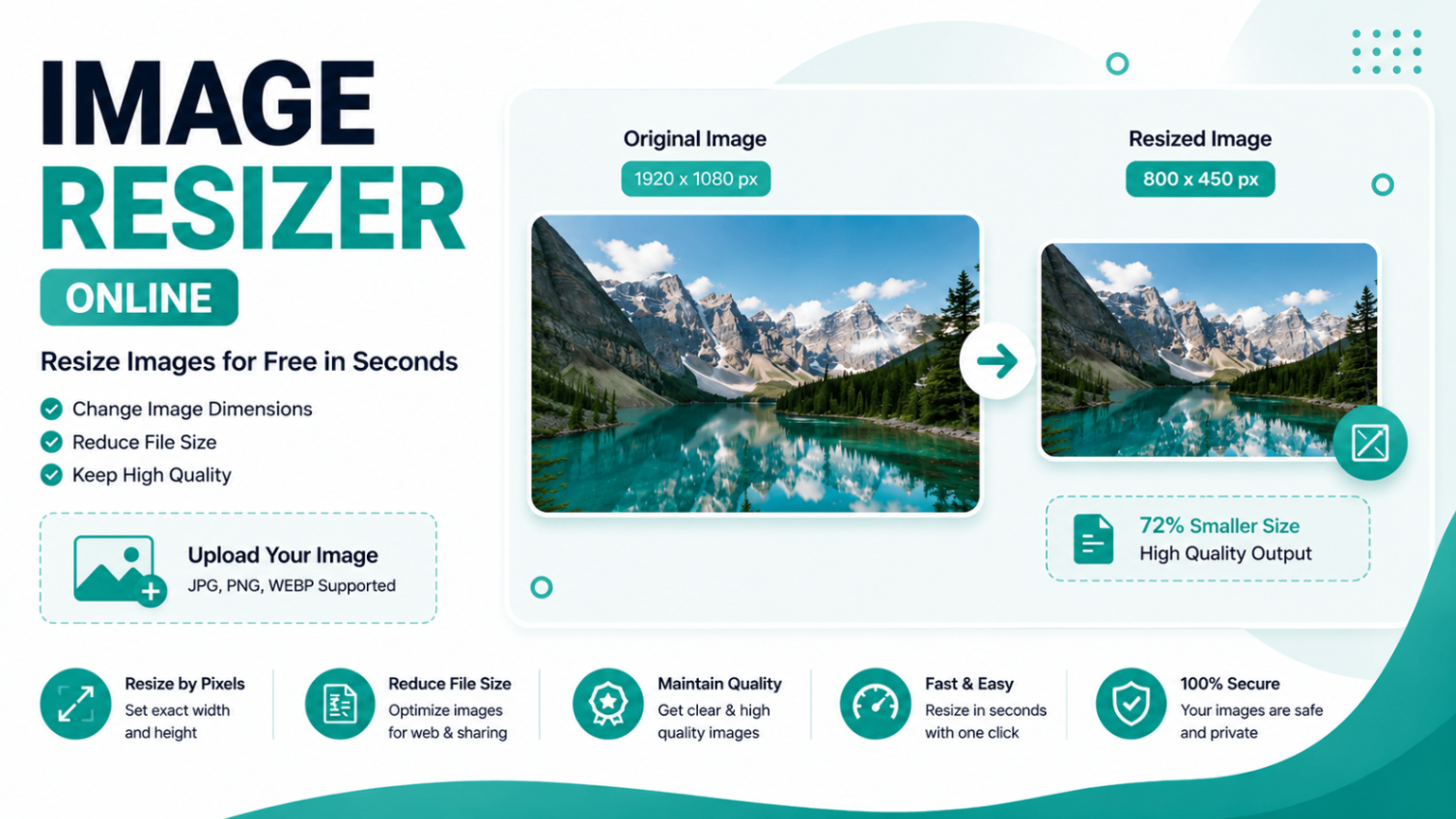
An online image resizer lets you change the dimensions of a photo — its width and height in pixels — directly in your browser without installing any software. Whether you need to resize an image for a website, shrink a photo before emailing it, or prepare the perfect thumbnail for YouTube, this free tool handles it in seconds.
How to Resize an Image Online
- Drag and drop your image into the upload area above, or click to browse your files.
- Enter your target width and height in pixels (px) or as a percentage (%) of the original.
- Toggle Lock Aspect Ratio to prevent stretching — change one dimension and the other updates automatically.
- Select the output format: JPG, PNG, or WEBP. For JPG and WEBP, use the quality slider to balance size and clarity.
- Click Resize Image and download your file instantly.
Recommended Image Sizes for Popular Platforms
| Platform | Recommended Size |
|---|---|
| Instagram Post (Square) | 1080 x 1080 px |
| Instagram Story / Reel | 1080 x 1920 px |
| Facebook Cover Photo | 851 x 315 px |
| Twitter / X Header | 1500 x 500 px |
| YouTube Thumbnail | 1280 x 720 px |
| LinkedIn Profile Photo | 400 x 400 px |
| WhatsApp Display Picture | 192 x 192 px |
How to Reduce Image File Size to Under 100KB
Large images slow down websites and hit upload limits on forms and email clients. To get a photo under 100KB:
- Choose WEBP or JPEG as the output format — both support lossy compression unlike PNG.
- Set the quality slider between 60% and 75% — this removes imperceptible data while keeping the image sharp to the human eye.
- Reduce the pixel dimensions to what you actually need. A 4000 px wide photo displayed at 800 px is storing 25x more data than necessary.
WEBP is the best choice for web use — it produces files 25-35% smaller than JPEG at equivalent visual quality and is supported by all modern browsers.
Supported Input & Output Formats
Upload images in JPG, PNG, WEBP, GIF, or BMP format. Export your resized image in any of six formats:
- JPEG — best for photos and complex images. Lossy compression, smallest file size at equivalent dimensions.
- PNG — lossless, supports transparency. Best for logos, screenshots, and graphics with sharp edges.
- WEBP — Google's modern format. Typically 25-35% smaller than JPEG at the same visual quality. Supported by all modern browsers.
- GIF — 256-colour format. Best for simple graphics or when compatibility with older systems is required.
- BMP — uncompressed bitmap. Use only when an application specifically requires BMP.
- ICO — favicons. The tool exports a PNG file named
.ico, suitable for website favicon use.
Why This Image Resizer is Better
- 100% browser-based — your images are processed using the Canvas API and never sent to a server.
- No signup or account needed — open the page and start resizing immediately.
- Format conversion in one step — resize a PNG and save it as WEBP simultaneously.
- Aspect ratio lock — keep proportions perfect without manual math.
- Works on mobile — upload from your phone gallery on Android or iOS.
Frequently Asked Questions
How do I resize an image online for free?
Upload your image using the tool above, enter your desired width and height in pixels or percentage, choose the output format, and click "Resize Image." Your resized image downloads instantly — no signup required.
Does resizing an image reduce its quality?
Resizing can reduce sharpness if you enlarge an image beyond its original resolution. When you reduce the size, quality stays largely intact. For JPEG and WEBP, use the quality slider (80-90%) for the best balance of file size and clarity. PNG is lossless so there is no quality loss regardless of size.
How do I resize an image to under 100KB?
Switch the output format to JPEG or WEBP, reduce the quality slider to around 60-75%, and lower the pixel dimensions. WEBP typically produces 25-35% smaller files than JPEG at the same quality.
What image formats does this tool support?
You can upload JPG, PNG, WEBP, GIF, and BMP files. Output formats include JPEG, PNG, WEBP, GIF, BMP, and ICO. You can upload a PNG and export it as WEBP, or upload a WEBP and save it as JPEG — all in the same step.
Is my image uploaded to a server?
No. All processing happens entirely inside your browser using the Canvas API. Your image never leaves your device — complete privacy, no data stored on any server.
What are the recommended image sizes for social media?
Common sizes: Instagram post 1080x1080 px, Instagram Story 1080x1920 px, Facebook cover 851x315 px, Twitter/X header 1500x500 px, YouTube thumbnail 1280x720 px, WhatsApp DP 192x192 px, LinkedIn profile 400x400 px. Enter these values directly in the width/height fields.
Can I maintain the aspect ratio when resizing?
Yes. Enable the Lock Aspect Ratio toggle before entering dimensions. When you change the width, the height updates automatically to keep the proportions intact — preventing any stretching or squishing of your image.
Can I use this image resizer on my phone?
Absolutely. The tool is fully responsive and works on Android and iOS browsers. Upload directly from your gallery, resize, and download — no app installation needed.
What is the difference between px and % resizing?
Pixel (px) mode lets you set exact dimensions — useful when a platform requires a specific size like 1080x1080 px. Percentage (%) mode scales relative to the original — entering 50% gives you an image at half the original width and height.
Why is WEBP better than JPEG for websites?
WEBP produces files 25-35% smaller than JPEG at equivalent visual quality, which improves page load times and Core Web Vitals scores. It also supports lossless compression and transparency like PNG. All modern browsers support WEBP, making it the preferred format for web images.
Related Blog Posts

How to Resize Photo & Signature for Online Exam Forms (Size + KB Guide)
You've filled in every field of the application, you reach the upload step, and the form spits back an error: “Photo must be between 20 KB and 50 KB” or “Signat…
How to Resize Image Dimensions Online (Width, Height & Aspect Ratio)
Resizing an image means changing its dimensions — the width and height measured in pixels. Whether you need a 1080×1080 square for Instagram, a 1280×720 thumbna…
Related Image Tools
Favicon Generator
Generate all favicon sizes from any image instantly.
Image Color Picker
Pick colors from any image and get HEX, RGB, HSL values.
Image Compressor
Compress JPG, PNG, WEBP images — batch, no upload needed.
Image Converter
Convert images between various formats.
Image Cropper
Crop images to any size or aspect ratio instantly.
Image Editor Online
Crop, resize, filters, text, draw & shapes — all in browser.
Image Flip & Mirror
Flip, mirror, and rotate images online free.
Image to Base64 Converter
Convert images to Base64 and decode Base64 to image.
Image to Text (OCR)
Extract text from photos & scanned PDFs (OCR).
Image Watermark Adder
Add text or logo watermarks to photos with live preview.
Get new tools & guides
Occasional updates, no spam.


