What is PDF Compression?
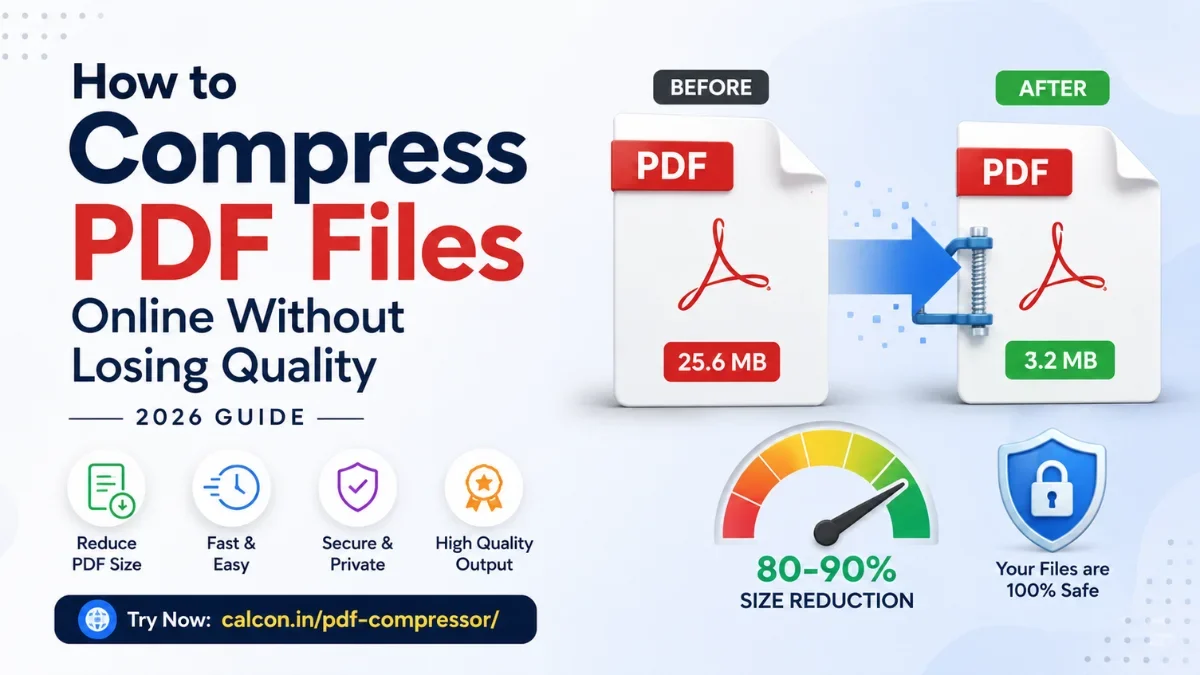
PDF compression is the process of reducing a PDF file's size by removing unnecessary data and optimizing its internal structure. A PDF file contains many components: visible content (text, images, vector graphics), embedded fonts, document metadata (author, title, keywords), and internal bookkeeping structures. Compression targets the non-visible parts to reduce size without affecting what you see.
File size matters because email providers like Gmail limit attachments to 25 MB, WhatsApp limits PDFs to 100 MB, many website upload forms reject large files, and smaller files transfer faster over slow connections.
How to Compress PDF Online
- Click the upload area or drag and drop your PDF file (max 50 MB)
- Choose a compression level — Low, Medium, or High
- Click the Compress PDF button
- View the before/after size comparison and savings percentage
- Click Download Compressed PDF to save the result
When to Compress PDF Files
Email Attachments
Most email providers limit attachments to 25 MB. Gmail, Outlook, and Yahoo Mail all enforce this limit. Compressing PDFs ensures they can be sent without rejection errors or the need to use third-party file sharing services.
WhatsApp and Messaging
WhatsApp allows PDF files up to 100 MB. Compressed PDFs load faster on mobile networks and consume less data for the recipient — important when sharing with users on limited mobile data plans.
Website Uploads
Many websites — government portals, job application forms, school admission systems — impose strict file size limits, often between 1 MB and 5 MB. Compressing PDFs before uploading avoids rejection errors.
Cloud Storage
Smaller PDF files use less quota on Google Drive, Dropbox, and OneDrive. If you store many PDF documents in the cloud, compressing them can meaningfully reduce your storage usage.
What Affects PDF File Size?
- Embedded images — the single largest contributor to PDF file size
- Embedded fonts — full font files are often included even for a few characters used
- Metadata and document properties — title, author, keywords, producer info
- Embedded videos or audio — multimedia PDFs can be very large
- Number of pages — more pages generally means a larger file
- Color vs grayscale content — color images are significantly larger than grayscale