
PDF Password Protector – Encrypt Your PDF Online
Drop your PDF here
or click to browse (Max 20MB)
Why Password-Protect a PDF?
Password-protected PDFs can only be opened by people who know the password. This is essential when sharing sensitive documents — contracts, financial records, medical reports, or personal identity documents — over email or file-sharing platforms.
Benefits of PDF Encryption
Prevent Unauthorised Access
An encrypted PDF cannot be opened without the correct password. Even if the file is intercepted or forwarded to unintended recipients, its contents remain unreadable.
Control What Recipients Can Do
Beyond requiring a password to open, you can restrict printing and copying of text. This is useful for distributing confidential drafts that should be read but not reproduced.
Comply with Data Privacy Requirements
Many data protection frameworks recommend or require encryption for files containing personal data. Password-protecting a PDF is a simple step toward compliance.
How to Password-Protect a PDF on Calcon
- Upload your PDF by dragging or clicking to browse
- Enter a password in the password field and confirm it
- Click Protect & Download PDF
Password Strength Tips
- Use at least 10 characters for strong protection
- Combine uppercase, lowercase, numbers, and symbols
- Avoid names, birthdays, or dictionary words
- Store the password in a password manager — there is no recovery option if lost
Frequently Asked Questions
How do I add a password to a PDF for free?
What encryption is used?
Is my PDF safe?
Can I protect an already-protected PDF?
What makes a strong PDF password?
Will it work in all PDF viewers?
Can I recover the PDF if I forget the password?
Related Blog Posts
How to Remove a Password from a PDF (Unlock PDF Free)
Password-protected PDFs are everywhere — bank and credit-card statements, salary slips, and EPF documents often arrive locked, asking for a password every singl…
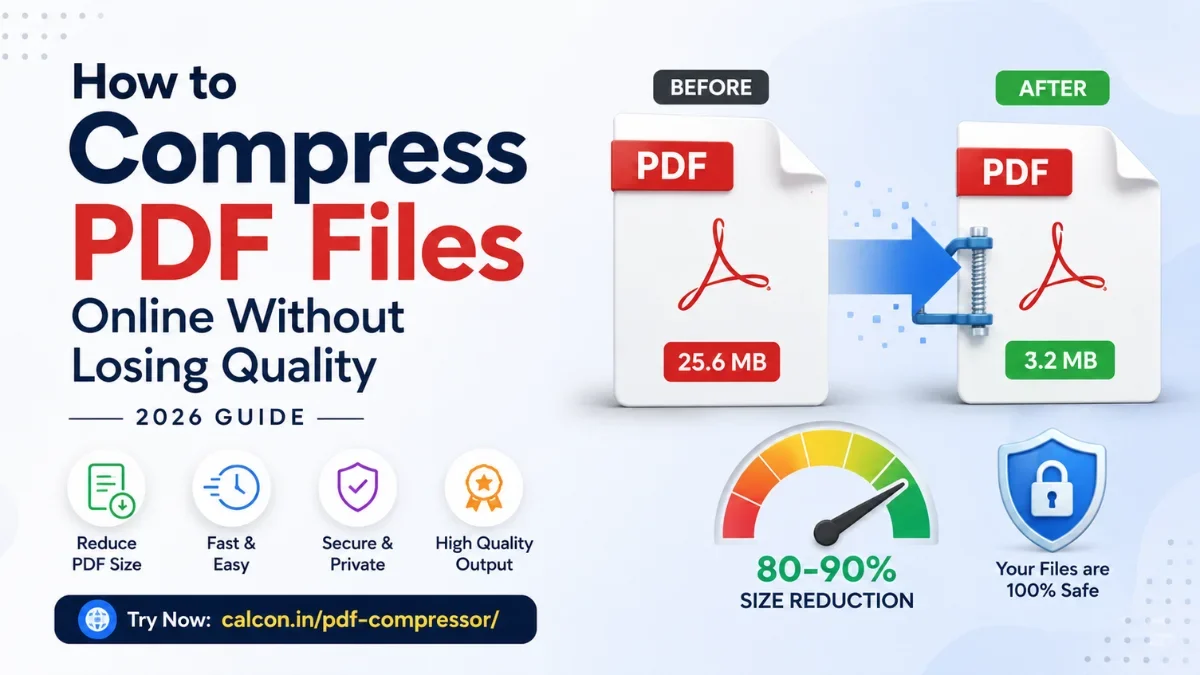
How to Compress PDF Files Online Without Losing Quality (2026 Guide)
A large PDF is a small problem with a big footprint. It bounces back from email, gets rejected by a job portal, or stalls on a slow connection right when you ne…
Related PDF Tools
Edit PDF Online
Fill forms, add text, whiteout and signatures to any PDF.
Excel Password Remover
Unlock password-protected .xlsx Excel files instantly.
Excel to PDF Converter
Convert XLSX to PDF instantly — fast and secure.
JPG to PDF Converter
Convert images to PDF in one click.
Merge PDF
Combine multiple PDFs into one file instantly.
PDF Annotator
Highlight, draw, and comment on any PDF in your browser.
PDF Compressor
Reduce PDF file size online free.
PDF Page Remover
Delete pages from PDF by number or range.
PDF Password Remover
Unlock password-protected PDFs instantly.
PDF to Excel Converter
Convert PDF to XLSX instantly — fast and secure.
Get new tools & guides
Occasional updates, no spam.



