
PDF Password Remover – Unlock PDF Online Free
Drop your PDF here
or click to browse (Max 20MB)
What Is a PDF Password Remover?
A PDF password remover unlocks encrypted PDF files so you can open, print, and share them freely. Upload your protected PDF, enter the password you already know, and Calcon's server removes the encryption and returns an unlocked copy.
When Would You Need to Remove a PDF Password?
- You received a password-protected PDF from yourself or a colleague and want a copy without the restriction
- You created a protected PDF and no longer need the password
- You want to merge an encrypted PDF with other documents using a PDF merger
How to Remove a PDF Password on Calcon
- Upload your password-protected PDF by dragging or clicking to browse
- Enter the current PDF password in the password field
- Click Remove Password
- Download the unlocked PDF when the success message appears
Is This Safe?
Yes. Your PDF is sent over HTTPS to Calcon's secure conversion server, processed immediately, and deleted right after — it is never stored, logged, or shared. The password you enter is transmitted only to our server and is not retained in any form.
Frequently Asked Questions
How does PDF password removal work?
Is removing a PDF password legal?
What if I forgot my PDF password?
Is my PDF uploaded to a server?
What types of encryption are supported?
Will the PDF quality change after unlocking?
What is the maximum file size?
Does this work on mobile?
Related Blog Posts
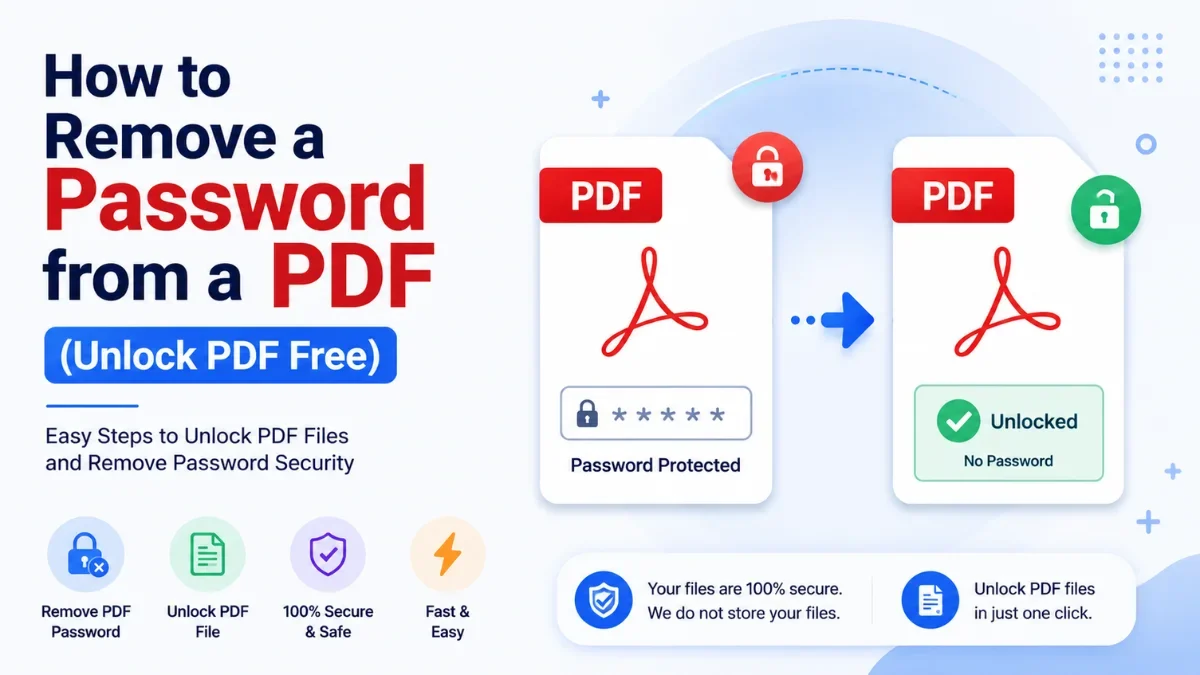
How to Remove a Password from a PDF (Unlock PDF Free)
Password-protected PDFs are everywhere — bank and credit-card statements, salary slips, and EPF documents often arrive locked, asking for a password every singl…
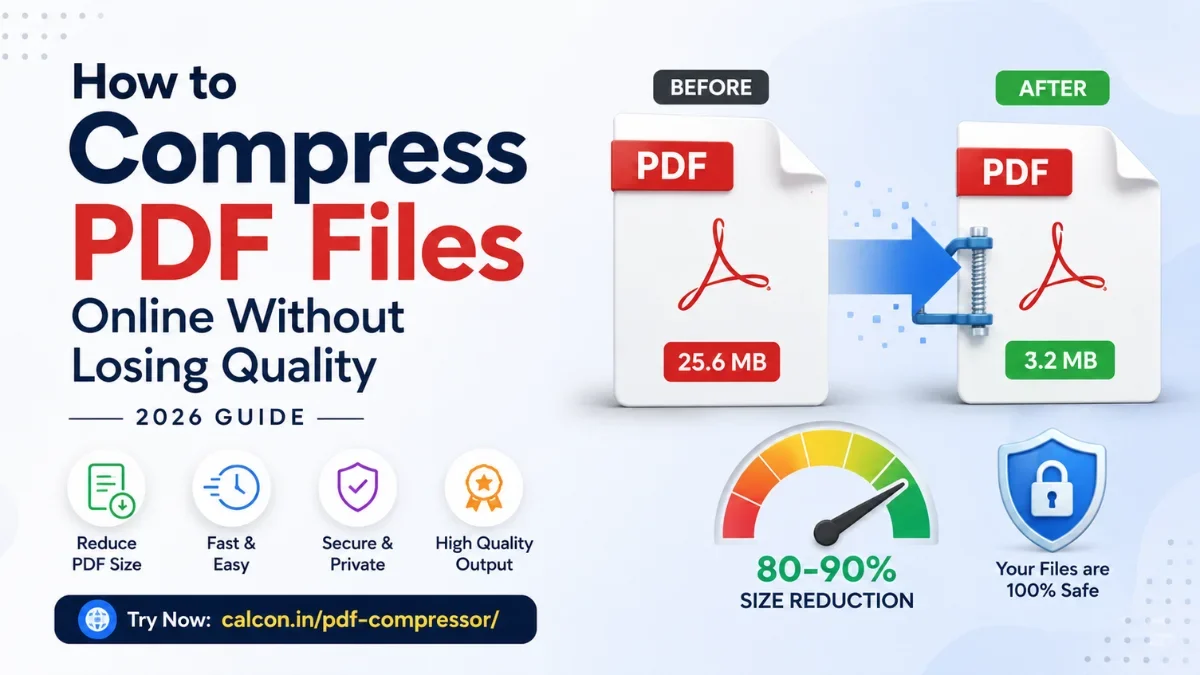
How to Compress PDF Files Online Without Losing Quality (2026 Guide)
A large PDF is a small problem with a big footprint. It bounces back from email, gets rejected by a job portal, or stalls on a slow connection right when you ne…
Related PDF Tools
Edit PDF Online
Fill forms, add text, whiteout and signatures to any PDF.
Excel Password Remover
Unlock password-protected .xlsx Excel files instantly.
Excel to PDF Converter
Convert XLSX to PDF instantly — fast and secure.
JPG to PDF Converter
Convert images to PDF in one click.
Merge PDF
Combine multiple PDFs into one file instantly.
PDF Annotator
Highlight, draw, and comment on any PDF in your browser.
PDF Compressor
Reduce PDF file size online free.
PDF Page Remover
Delete pages from PDF by number or range.
PDF Password Protector
Password protect and encrypt PDF online free.
PDF to Excel Converter
Convert PDF to XLSX instantly — fast and secure.
Get new tools & guides
Occasional updates, no spam.



