
How to Remove a Password from a PDF (Unlock PDF Free)
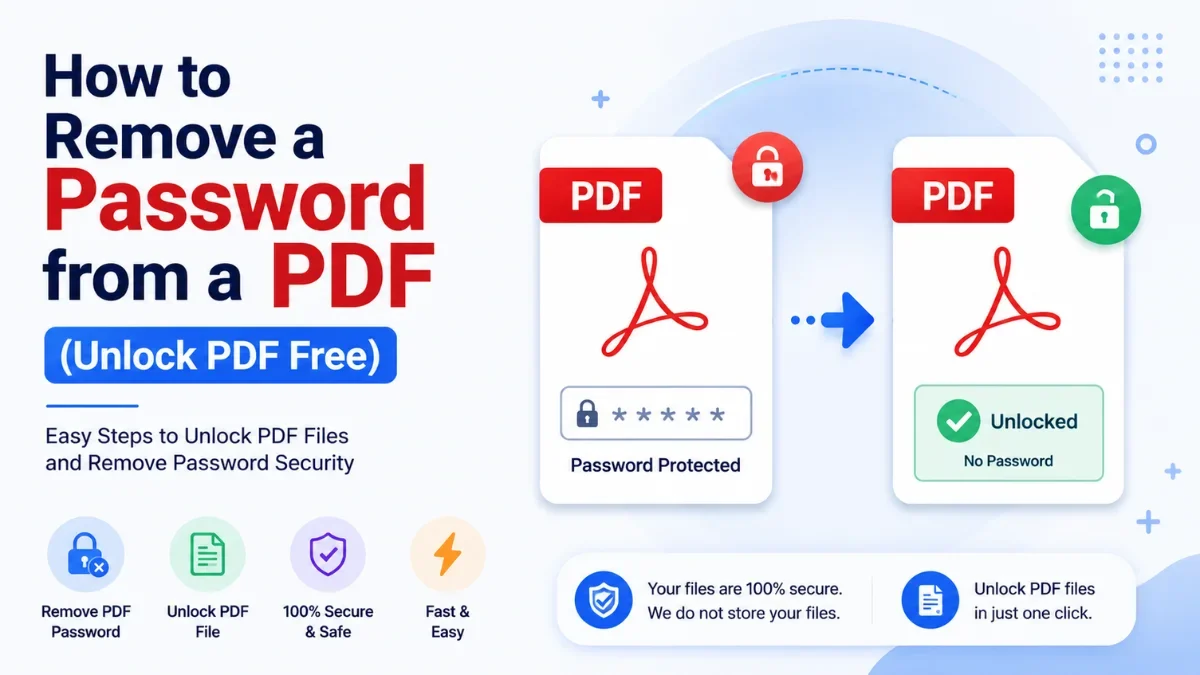
Password-protected PDFs are everywhere — bank and credit-card statements, salary slips, and EPF documents often arrive locked, asking for a password every single time you open them. If it is your own document and you know the password, you can remove that lock once and save a clean, open copy. Here is how, plus the one distinction that decides whether it will work.
Important: Only remove protection from PDFs you own or have permission to access. This is for your own locked files — not for bypassing protection on documents you have no right to open.
Two Types of PDF Password (This Decides Everything)
“Password-protected” actually means one of two different things, and they behave differently:
Type | What it does | To remove it you need… |
Open (user) password | Blocks the file from opening at all — you're prompted before you can see anything | The password itself |
Permissions (owner) password | File opens freely but restricts printing, editing, or copying | Nothing — the restriction can be lifted from a file you can already open |
So if your bank statement asks for a password before it opens, that is an open password — you must know it (banks usually base it on your name, date of birth, or account number). If a PDF opens but won't let you print or copy, that is a permissions password, which a tool can lift directly.
What "Removing" a Password Really Means
An unlock tool is not a password cracker. For an open password, you supply the password you already know, and the tool saves a new copy with the lock removed. For a permissions password, it removes the restriction from a file you can already open. Neither process guesses or breaks an unknown password — which is exactly why it stays on the right side of the line.
How to Remove a PDF Password with Calcon
1. Open the tool: calcon.in/pdf-password-remover (use your actual unlock/remove-password tool URL).
2. Upload the protected PDF.
3. If it has an open password, enter the password you know.
4. The tool removes the protection and prepares an unlocked copy.
5. Download the open PDF — it will no longer prompt for a password.
A Common Indian Example: Bank & Statement PDFs
Most Indian banks email statements as locked PDFs, with a password built from details like your name and date of birth or account number. Re-entering it every time is tedious. Once you've opened it with the correct password, removing the password lets you keep a single clean copy for your records or to share with an accountant — entirely legitimate, since it's your own statement.
What This Cannot Do
• It cannot recover or guess a password you never knew — that would be cracking, which a legitimate tool does not do.
• It cannot unlock a document you have no right to access.
• If you actually want to add protection rather than remove it, use Protect PDF instead.
Frequently Asked Questions
Is removing a PDF password legal?
Yes, when it's your own document or one you have permission to access, and you know the password. Removing protection to bypass access you aren't entitled to is not.
I forgot my PDF password — can this recover it?
No. An unlock tool removes protection using the password you provide; it does not recover or crack a forgotten password. For bank PDFs, the password is usually a set combination of your details — check the bank's instructions.
Will removing the password change my document?
No. The content stays identical; only the password/restriction is removed.
Is it safe to upload a sensitive PDF?
Files are processed securely and not retained after download. For highly sensitive financial documents, only use trusted tools.
What's the difference between open and permissions passwords?
An open password blocks the file from opening; a permissions password lets it open but restricts printing, editing, or copying. The table above explains what each needs to remove.
The Bottom Line
Removing a PDF password is simple once you know which type you're dealing with: supply the password for an open lock, or lift the restriction on a permissions lock. For your own files, unlock them free with Calcon and save an open copy you won't have to keep unlocking.
Related Tools
Get new tools & guides
Occasional updates, no spam.
Latest Posts

PPF vs SIP: Where Should You Put Your Money?

SCSS vs CSS: What's the Difference & How to Compile SCSS to CSS

PPF vs Mutual Fund SIP: Which is Better for Long-Term Wealth Creation?

How to Resize Photo & Signature for Online Exam Forms (Size + KB Guide)
How to Resize Image Dimensions Online (Width, Height & Aspect Ratio)